
How 3DLOOK's Mobile Tailor Works
Start Process
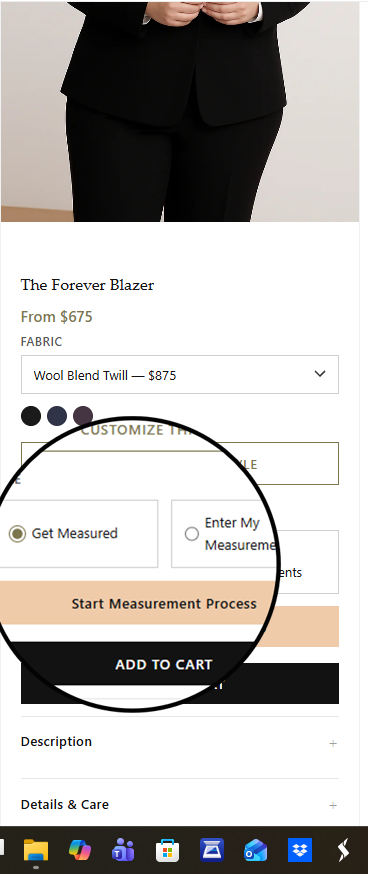
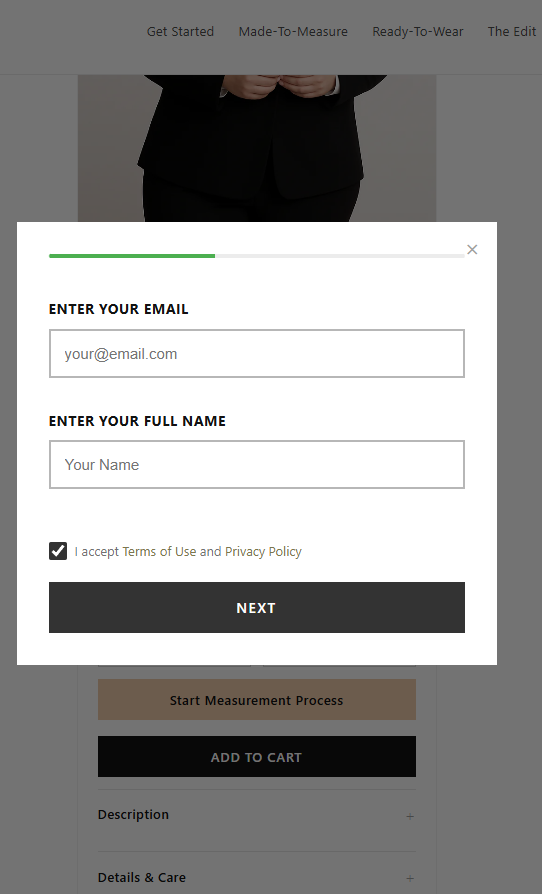
Click the button (get measured), then click start measurement process, follow and enter a few details; name, email, phone, height, and weight.
Access
The customer receives a link via their phone.
Open App
The link opens a mobile web app — no app download needed.
Photo Process
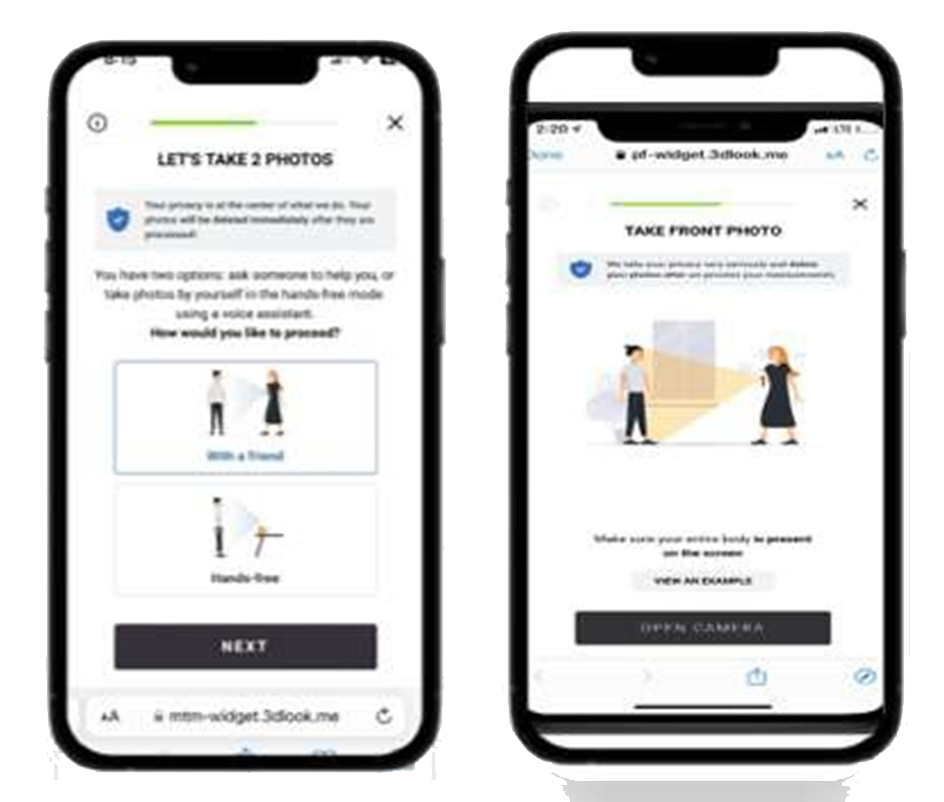
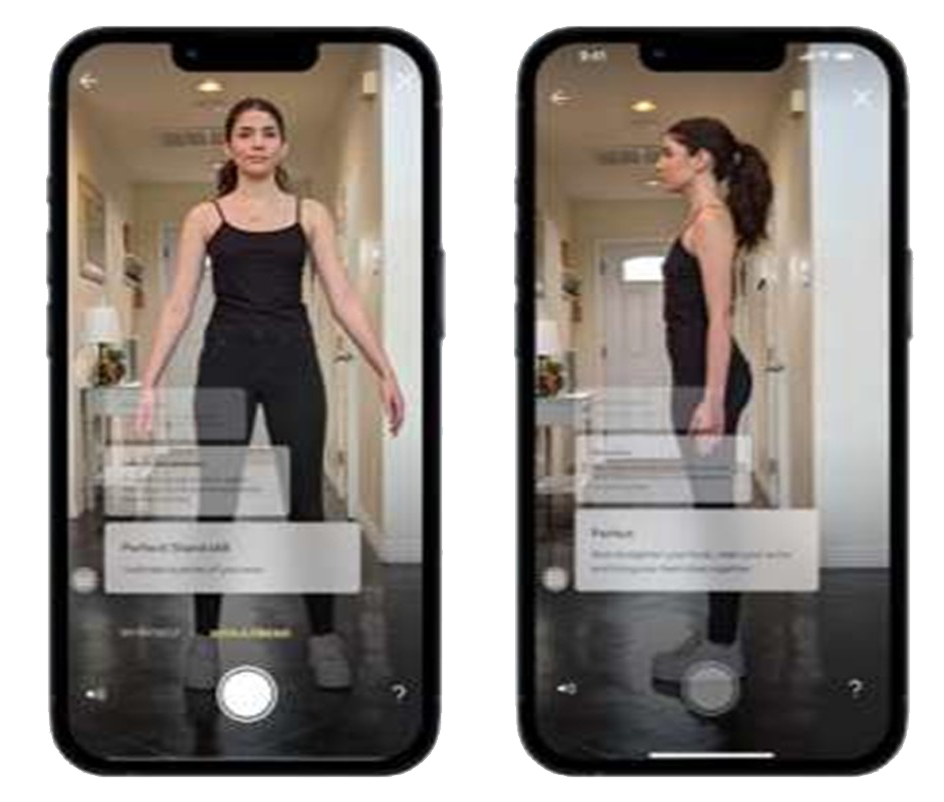
Shopper can have someone take their photos or, if alone, choose "hands-free mode." Shopper follows simple scanning instructions to take a front and side photo in fitted clothing.
AI Processing
Results are processed in less than a minute. Up to 86 customizable measurements are instantly generated using advanced body-scanning technology and sent to MaisonFit data and displayed in the business dashboard.
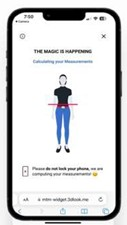
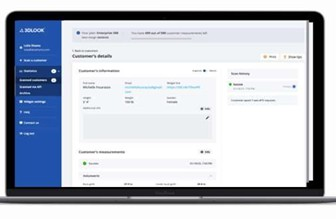
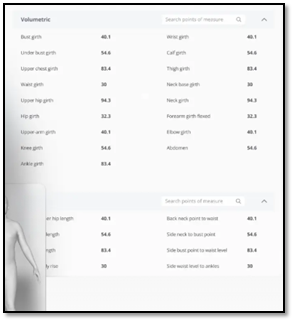
Results are shared with our team and sent to you. Need help? Book a virtual appointment for measurement assistance.
Prefer to measure manually? See Manual Guide →